How to Renew Your Azure Certification
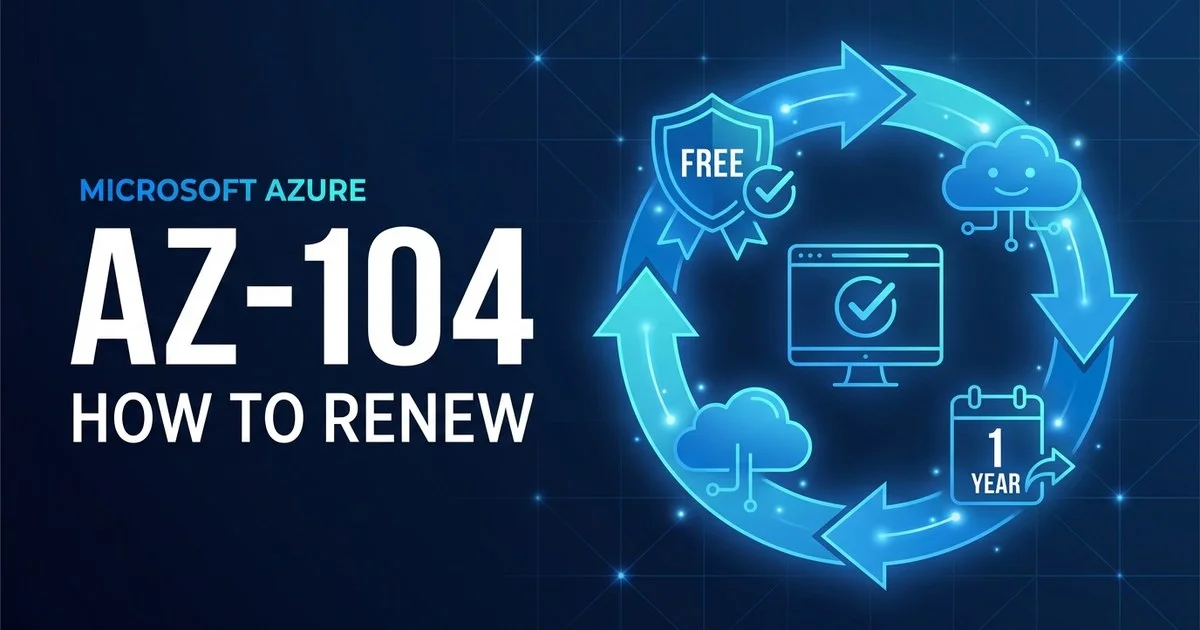
Your Azure role-based certification is valid for one year. To keep it, you pass a free, open-book online assessment on Microsoft Learn — no exam centre, no fee. Here is exactly how renewal works, how to pass the assessment first time, and what happens if you let it lapse.
01 The short answer
There is one crucial distinction to get right first. Only Microsoft's role-based (associate and expert) and specialty certifications expire after a year. Microsoft's fundamentals certifications — AZ-900, AI-900, DP-900, SC-900 — never expire and cannot be renewed. So if your only Azure badge is a fundamentals one, there is nothing to do; this guide is for everyone holding an associate or higher.
02 Which Azure certifications actually expire
Before you panic about a deadline, confirm whether your certification even has one. The expiry rule splits cleanly by level, and the renewal mechanics are identical for every certification that does expire.
| Certification type | Validity | How you renew |
|---|---|---|
| Fundamentals (AZ-900, AI-900, DP-900, SC-900) | Never expires | No renewal needed — it stays on your transcript permanently |
| Role-based associate (AZ-104, AZ-204, AZ-500) | 1 year | Free online renewal assessment on Microsoft Learn |
| Role-based expert (AZ-305, AZ-400) | 1 year | Free online renewal assessment — each cert renewed separately |
| Specialty (e.g. Azure for SAP, network engineer) | 1 year | Free online renewal assessment on Microsoft Learn |
The clock runs for one year from the date you complete all requirements to earn the certification, and the figures are the same across the board: the renewal assessment opens six months (180 days) before expiry, is open book and unproctored, takes about 45 minutes, and can be retaken as often as you need until you pass.
03 How to pass the free renewal assessment
Because the assessment is short, open book and free to retake, renewal is far less stressful than the original exam. But it is not automatic — it tests what has changed in the platform since you certified, so a little focused prep goes a long way. Here is how to clear it comfortably.
Review the skills-measured list
Open the renewal page for your certification on Microsoft Learn and skim the current skills outline. It flags the topics the assessment emphasises — usually recent Azure service updates.
Work the Microsoft Learn modules
Each renewal page links free, self-paced learning modules tailored to that certification. They map directly to the assessment, so they are the single best preparation.
Click through the portal
Twenty minutes in a free Azure account refreshing the areas you use least — networking, identity, governance — turns vaguely remembered features into quick, confident answers.
Take it open book
The assessment is unproctored and open book, so keep the Microsoft Learn docs in a second tab. Do not lean on them for every question — use them to confirm the few you are unsure of.
Retake immediately if needed
Fail and you can try again straight away the first time; after the second attempt there is a 24-hour wait between tries. There is no attempt limit, so a near miss is never the end.
Set an expiry reminder
Renew well before the deadline, not on the last day. Diarise the date the six-month window opens so a medical emergency or a busy week never costs you the certification.
04 The renewal cycle, step by step
↻ Renew every year
Check your expiry
Microsoft emails you when renewal opens. Confirm the exact expiry date on your Microsoft Learn profile under Certifications.
Study the updates
Work through the skills-measured list and the free learning modules on your certification's renewal page.
Take the assessment
Pass the free, open-book online assessment on Microsoft Learn — anytime in the six months before expiry.
Renewed a year
Your expiry date updates immediately, extended a year from the previous expiry. No exam centre, no fee.
05 What happens if your certification expires
This is the one expensive mistake, and it is entirely avoidable. Unlike credit-based programmes there is no grace period and no late renewal — the line is hard.
06 FAQ
Does it cost anything to renew an Azure certification?
No. Renewing a Microsoft role-based or specialty certification is completely free. You renew by passing an online renewal assessment on Microsoft Learn, and there is no fee to take it. There is also no limit on retakes, so you never pay to try again. The only time you pay is if you let the certification expire and have to re-earn it by sitting the full proctored exam, which does carry an exam fee.
Do Azure Fundamentals certifications expire?
No. Microsoft fundamentals certifications such as AZ-900, AI-900, DP-900 and SC-900 do not expire and never need to be renewed. The one-year expiry and renewal assessment only apply to role-based (associate and expert) and specialty certifications like AZ-104, AZ-204, AZ-305 and SC-200.
When can I take the Azure renewal assessment?
The renewal assessment becomes available on Microsoft Learn six months (180 days) before your certification expires, and you must pass it before the expiry date. You cannot take it earlier than six months out, and the window cannot be extended. Microsoft recommends renewing well ahead of the deadline so you have room for retakes or unexpected events.
What happens if my Azure certification expires?
Once a role-based or specialty certification expires you can no longer renew it. The only way to get it back is to re-earn it by passing the full, paid, proctored certification exam again. That means exam fees and full study, which is why passing the free renewal assessment inside the six-month window is by far the easier and cheaper path.