Google Cloud ACE Exam Format: What to Expect
The Google Cloud Associate Cloud Engineer exam is 50–60 questions in 120 minutes, all multiple-choice and multiple-select — no hands-on labs. The result is pass or fail with no published score. Here is exactly what the exam looks like on screen, the question types, what exam day feels like, and how the result works.
01 The format in one minute
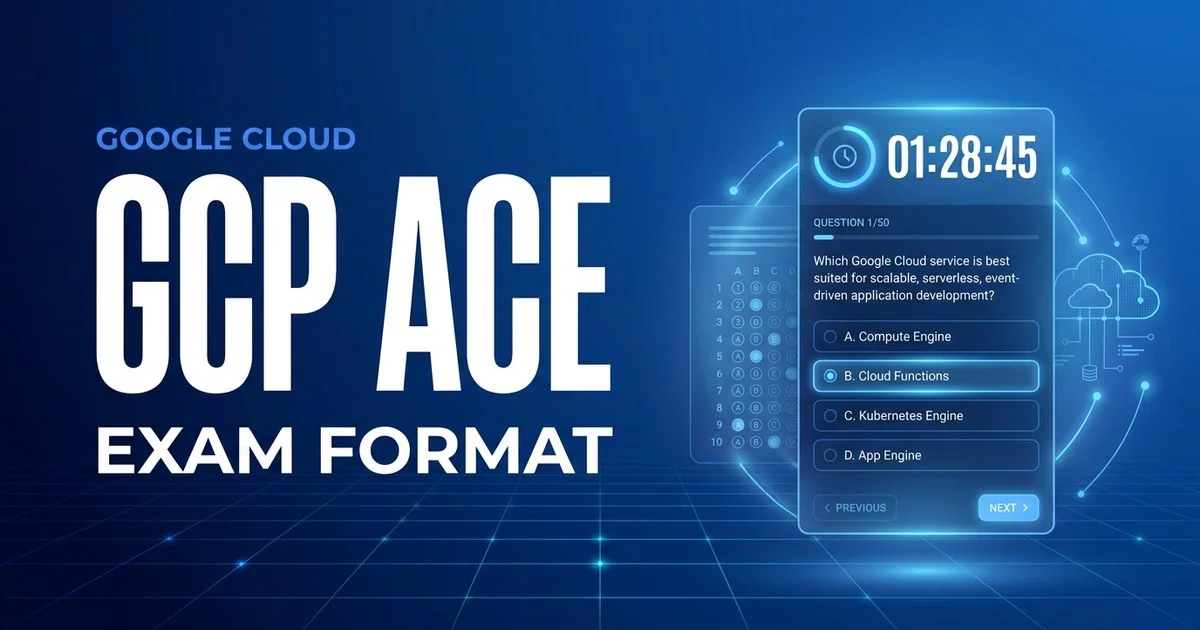
Google does not publish a fixed question count, so the exact number on your form sits somewhere in the 50–60 band. Below is a close approximation of what a single question looks like in the test engine. The header shows your position and the countdown clock; the footer holds the flag-for-review toggle and navigation:
A teammate needs to start and stop Compute Engine instances in the project but must not be able to delete them or change IAM policies. You want to grant the least privilege using a predefined role. Which role should you assign?
roles/owner on the project so they can manage the instances.roles/compute.instanceAdmin.v1 scoped to the project.roles/editor so they can edit any resource in the project.roles/viewer and ask them to run gcloud compute instances start.Illustration of the test-engine layout — not an actual exam question.
That single screen captures most of what makes the ACE tick: short, practical scenarios that reference real Google Cloud services, IAM roles, and gcloud commands; four plausible options where more than one “works” but only one fits a constraint like least privilege or predefined role; and a clock that gives you about 120 seconds to decide. Get comfortable reading and eliminating under that pace and the format stops being a surprise.
02 Question types you'll face
Google keeps the ACE deliberately simple in form — the difficulty is in the scenarios and the breadth of services, not in exotic interactions. There are two question types, and knowing how each is marked changes how you answer.
Multiple choice
Four options, exactly one correct. The other three are distractors that are technically valid but worse on cost, security posture, or operational overhead. The majority of the exam.
Most questionsMultiple select
Five or more options; the stem states how many to pick (“choose TWO”). You must select every correct option and no wrong ones — partial credit is not awarded.
A handfulScenario / case stems
Not a separate type, but the defining trait: most questions wrap a short, real-world situation around the choice — a billing setup, a VPC requirement, an IAM constraint — and the deciding words live in the stem.
ThroughoutLabs & console tasks
None. Unlike Google’s hands-on skill badges or some CompTIA exams, the ACE has no performance-based tasks, no live console, and no drag-and-drop. Every answer is a click.
Not on this exam03 What the exam guide covers
The Associate Cloud Engineer exam guide is organised into five sections. Unlike AWS or Azure, Google does not publish percentage weights for each section — the guide lists the skills measured without telling you how many questions come from each area. Treat all five as roughly equal and do not skip a section because you assume it is “small.”
| Exam guide section | What it covers |
|---|---|
| 1. Setting up a cloud solution environment | Projects and billing, the resource hierarchy, organisation policies, budgets and alerts, installing and configuring the Cloud SDK and Cloud Shell |
| 2. Planning and configuring a cloud solution | Sizing compute, storage and network resources, choosing storage classes, designing VPCs and load balancing, using the pricing calculator |
| 3. Deploying and implementing a cloud solution | Compute Engine, GKE, App Engine and Cloud Run/Functions; data solutions like Cloud SQL and BigQuery; networking such as VPC peering and Cloud DNS |
| 4. Ensuring successful operation of a cloud solution | Managing resources, Cloud Monitoring and Cloud Logging, snapshots and images, autoscaling, quotas and routine maintenance |
| 5. Configuring access and security | IAM roles and policies, service accounts, firewall rules, audit logs and least-privilege access patterns |
04 What exam day actually looks like
You can sit the ACE two ways: at a Pearson VUE test centre, or online with a remote proctor from home using the OnVUE software. The exam itself is identical; the check-in is what differs. A quick note on history: Google delivered its certification exams through Kryterion (Webassessor) until 22 February 2026 and moved to Pearson VUE from 2 March 2026, so older guides that describe a Webassessor check-in are now out of date. Here is the typical flow for an online-proctored sitting today.
Launch and run the system test
Open the OnVUE software, run the system check, and start check-in up to 30 minutes ahead. Late arrivals can be refused and forfeit the fee.
ID & room scan
Photograph your government ID and your workspace from four angles. Your desk must be clear — no notes, phone, second monitor, or drinks unless explicitly allowed.
Short walkthrough
A brief, untimed tutorial of the test engine and the non-disclosure agreement. The 120-minute clock does not start until you begin the actual exam.
The exam
Your 50–60 questions, clock counting down. Flag, skip, and revisit freely. A proctor monitors by webcam — looking away or speaking can trigger a warning.
Submit & short survey
Submit when done or when time expires. An optional survey follows; it does not affect your result.
Provisional result
A provisional pass or fail message appears on screen. The official confirmation arrives by email from Google, typically within about 7–10 business days.
Allowed
- A valid, unexpired government photo ID
- An on-screen scratchpad (no physical paper online)
- Flagging and reviewing questions before you submit
- Choosing English, Japanese, Spanish or Portuguese at booking
Not allowed
- Phones, smartwatches, headphones, or second screens
- Notes, books, or scratch paper (online proctoring)
- Other people entering or talking in the room
- Leaving your seat without proctor permission
05 How scoring & results work
Here is the biggest difference from AWS or Azure: Google does not publish a numeric passing score for the ACE. There is no 700-out-of-1000 line and no scaled number on your report — the result is reported as pass or fail only, with no per-section breakdown of how you did.
You will see an immediate provisional pass/fail on screen, but the official confirmation — which is what actually counts — arrives by email, usually within about 7–10 business days, because Google may review the result before finalising it. Once you pass, the certification is valid for 3 years, after which you renew with a shorter renewal exam.
If you do not pass, Google enforces a tiered cool-off before you can re-sit, and you pay the $125 fee again each attempt:
| Attempt | Wait before you can re-sit |
|---|---|
| After 1st fail | 14 days |
| After 2nd fail | 60 days |
| After 3rd fail | 365 days |
06 FAQ
How many questions are on the Google Cloud Associate Cloud Engineer exam?
50 to 60 questions — Google does not publish a fixed count, so the exact number varies between forms. You have 120 minutes total, which works out to roughly two minutes per question if you draw 60.
What is the passing score for the Google Cloud ACE exam?
Google does not publish a numeric passing score. The result is reported as pass or fail only, with no scaled score and no per-section breakdown. Community estimates commonly put the bar near 70%, but that is an unofficial guess — treat it as a target, not a published threshold.
Who delivers the Google Cloud ACE exam, and is it Pearson VUE?
As of 2026 the ACE is delivered through Pearson VUE, either online-proctored from home with the OnVUE software or onsite at a Pearson test centre. Google ran its exams through Kryterion (Webassessor) until 22 February 2026 and switched to Pearson VUE from 2 March 2026, so older guides that mention Kryterion are now out of date.
What types of questions are on the Google Cloud ACE?
Two types: multiple choice (one correct answer) and multiple select (two or more correct, where the stem tells you how many to pick). Questions are scenario-driven and often reference gcloud commands, IAM, or Compute Engine. There are no hands-on labs or console tasks — every answer is a click.