CompTIA Network+ (N10-009) Exam Format: What to Expect
The CompTIA Network+ N10-009 exam is a maximum of 90 questions in 90 minutes, mixing multiple-choice items with hands-on performance-based simulations. Here is exactly what the exam looks like on screen, the question types, what exam day feels like, and how scoring works.
01 The format in one minute
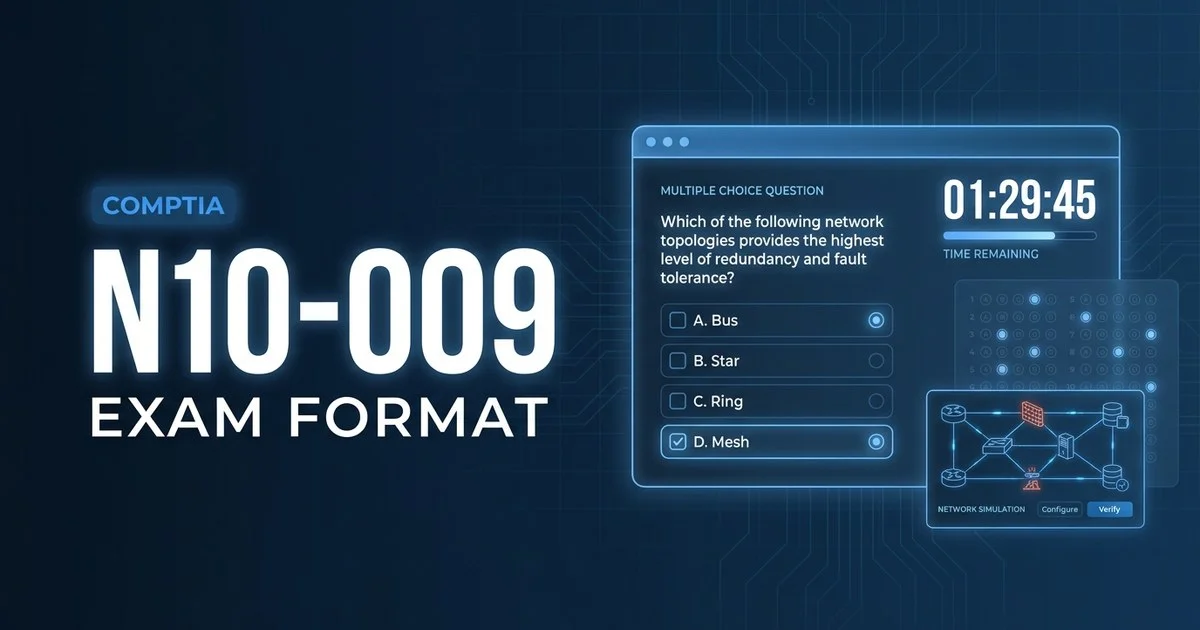
Below is a close approximation of what a standard multiple-choice question looks like in the Pearson VUE test engine. The header shows your position and the countdown clock; the footer holds the flag-for-review toggle and navigation:
A network technician needs to segment a single physical switch into separate broadcast domains for the Sales and Finance teams while keeping them on the same hardware. Which technology should the technician configure?
Illustration of the test-engine layout — not an actual exam question.
That single screen captures the heart of Network+: concise scenarios that test whether you can map a real requirement — segmentation, redundancy, security — onto the right protocol or device. At roughly 60 seconds per item, the standard questions reward fast recognition; it is the PBQs that eat your clock, which is why pacing matters so much.
02 Question types you'll face
Network+ mixes quick-fire knowledge checks with a few hands-on tasks. There are three scored interaction styles plus one common misconception to clear up, and knowing how each is marked changes how you spend your 90 minutes.
Multiple choice
Four options, exactly one correct. The other three are plausible distractors — valid technologies that fit a different problem. This is the bulk of the exam and where you make up time.
Most questionsPerformance-based (PBQs)
Interactive simulations — subnetting, matching cables/ports, ordering troubleshooting steps, or basic CLI/device configuration. They typically appear first, weigh more, and take longer, so many candidates skip and return at the end.
A handful, firstMultiple response
Several options; the stem states how many to pick ("choose TWO"). You must select every correct option and no wrong ones — there is no partial credit on these items.
A handfulAdaptive testing
None. Network+ is a fixed-form, linear exam — the questions do not get harder or easier based on your answers, and you can move back and forth freely. It is not computer-adaptive like some other certifications.
Not on this exam03 Timing, structure & domain weighting
You have 90 minutes for up to 90 questions. CompTIA may seed unscored pilot items, so the exact count can vary — treat every question as if it counts. The five domains are weighted unevenly, and Troubleshooting plus Networking Concepts together make up nearly half the exam.
| Domain | Weight | What it covers |
|---|---|---|
| 1. Networking Concepts | 23% | OSI model, ports/protocols, IP addressing, network topologies |
| 2. Network Implementation | 20% | Routing, switching, wireless, physical installations |
| 3. Network Operations | 19% | Documentation, monitoring, availability, disaster recovery |
| 4. Network Security | 14% | Security concepts, hardening, physical and access controls |
| 5. Network Troubleshooting | 24% | Methodology, cabling, connectivity and performance issues |
04 What exam day actually looks like
You can sit the N10-009 two ways: at a Pearson VUE test centre, or online with a remote proctor from home. The exam itself is identical; the check-in is what differs. Here is the typical flow for an online-proctored sitting.
Log in and launch early
Open the OnVUE software, run the system test, and start check-in up to 30 minutes ahead. Late arrivals can be refused and the exam forfeited.
ID & room scan
Photograph your government ID and your workspace from four angles. Your desk must be clear — no notes, phone, second monitor, or drinks unless explicitly allowed.
Short walkthrough
A brief, untimed tutorial of the test engine. The 90-minute clock does not start until you begin the actual exam.
The exam
Up to 90 questions, your clock counting down. Flag, skip, and revisit freely. A proctor monitors by webcam — looking away or speaking can trigger a warning.
Submit & short survey
Submit when done or when time expires. An optional survey follows; it does not affect your score.
Pass/fail on screen
Your scaled score and a pass/fail result appear right away. The score report is also posted to your CompTIA account, where your certification status updates.
Allowed
- A valid, unexpired government photo ID
- An on-screen scratchpad (no physical paper online)
- Flagging and reviewing questions before you submit
- A short, untimed tutorial before the clock starts
Not allowed
- Phones, smartwatches, headphones, or second screens
- Notes, books, or scratch paper (online proctoring)
- Other people entering or talking in the room
- Leaving your seat without proctor permission
05 How scoring & results work
Network+ N10-009 is reported on a scaled range of 100–900, and you need 720 to pass. The score is scaled, so harder items carry more weight — 720 is not a flat 80% of questions correct.
Unlike vendors that make you wait days, Network+ shows your scaled score and pass/fail result immediately on screen, and the report posts to your CompTIA account. If you do not pass, CompTIA requires a 14-day wait before every retake — including after your first attempt — and you may not take the same exam more than three times in a rolling 12-month period without a longer wait. You pay the full ~$369 fee for each attempt.
06 FAQ
How many questions are on the CompTIA Network+ N10-009 exam?
A maximum of 90 questions. They are a mix of multiple-choice (single and multiple response) and performance-based questions (PBQs), and you have 90 minutes to complete them. The exact number you see can vary slightly because CompTIA may include unscored items.
What are performance-based questions on the Network+ exam?
Performance-based questions (PBQs) are hands-on simulations — for example subnetting a network, matching cables or ports, ordering troubleshooting steps, or completing a basic device configuration. They usually appear first, are worth more than standard questions, and take longer, so many candidates skip them and return at the end.
What is the passing score for CompTIA Network+ N10-009?
You need 720 on a scaled range of 100 to 900 to pass. Because the score is scaled, 720 is not simply 80% of the questions correct — harder items carry more weight, so the raw percentage needed is roughly in the mid-70s.
Can you retake the CompTIA Network+ exam if you fail?
Yes. CompTIA requires a 14-day wait between every attempt — including after your first failure — and you may not take the same exam more than three times in a rolling 12-month period without a longer wait. You pay the full exam fee for each attempt.